Vegas Pro Plugins
& DaVinci Resolve OFX Effects
GPU-Accelerated Professional Effects
A useful catalogue of effects I develop and maintain myself, aimed at editors who want fewer plugins that actually do their job. The render engine is OpenCL-first with a CPU fallback, so the same project file behaves the same way on different machines - across 8-bit, 16-bit and 32-bit float footage.
Every effect is a native OpenFX (OFX) plugin, so it installs once and runs in both Vegas Pro 15 and newer (including Vegas Pro 2026) and DaVinci Resolve Studio 17 and newer — the same plugin and the same controls in either editor.
Why GPU-Accelerated OFX Plugins
GPU acceleration keeps playback and rendering fast even on 4K timelines, while true 32-bit float processing protects highlights and gradients from banding. Each plugin ships with factory presets and full keyframe control, and a single licence covers one desktop and one laptop.
OFX Plugin
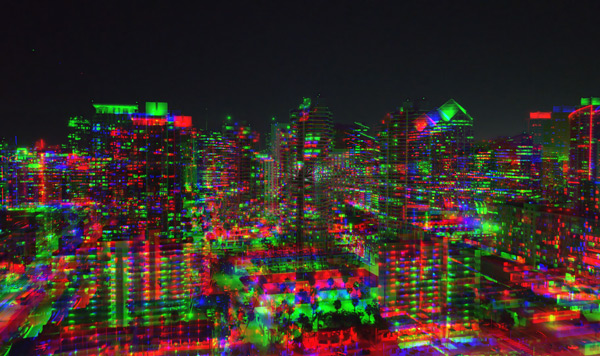
RGBurst - RGB Split & Chromatic Aberration
Per-channel X/Y displacement for red, green, and blue. Linear and radial modes, Center Protection mask, 8 factory presets. Works in Vegas Pro 15+ and DaVinci Resolve Studio 17+. OpenCL GPU accelerated.
$39.95

OFX Plugin
Film Grain - Photochemical Film Grain
66 real film stock profiles (Kodak, Fuji, Ilford, CineStill), proprietary grain engine, film softness, gate weave and film breath. Works in Vegas Pro 15+ and DaVinci Resolve Studio 17+. OpenCL GPU accelerated.
$69.95

OFX Plugin
Film Palette - Color Palette Extraction
Real-time cinematic color palette extraction for Vegas Pro. Analyze footage with 20 color space profiles, extract dominant colors using perceptual LAB clustering, detect color harmony, and export to HEX, Adobe Swatch, or 3D LUT formats.
$59.95
OFX Plugin
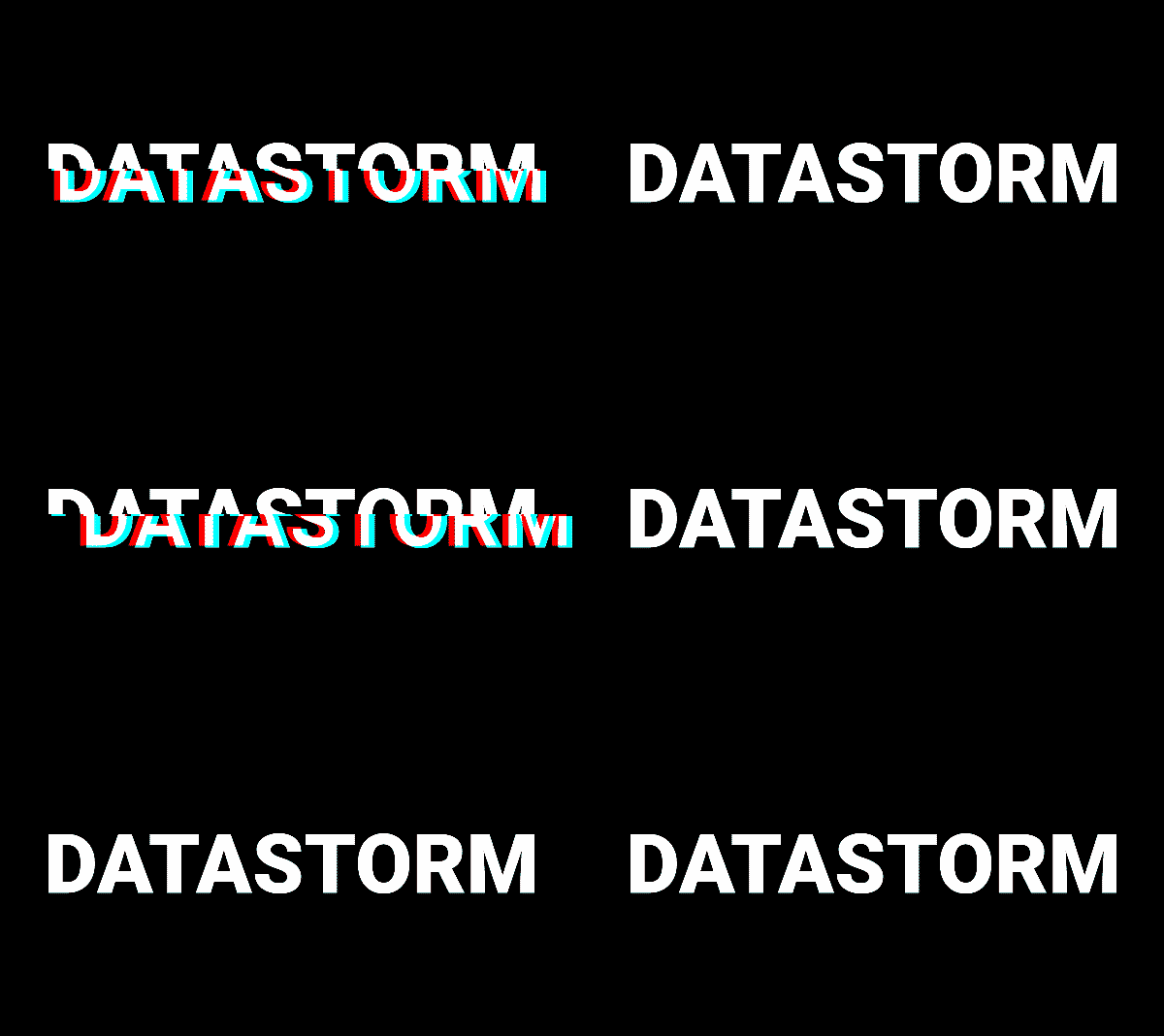
Data Storm - Glitch Effects
10-module glitch effects OFX plugin for Vegas Pro with OpenCL GPU acceleration, 20 built-in presets, and full keyframe control. RGB Split, Block Displacement, Scanlines, Wave Distortion, and more.
$49.95
OFX Plugin
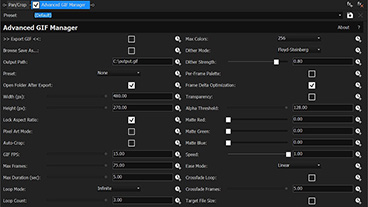
Advanced GIF Manager
The only native OFX plugin that renders animated GIF files directly from the Vegas Pro timeline. Dithering, transparency, frame delta optimization — no external tools needed.
$29.95
Vegas Pro & DaVinci Resolve - Guides & Tutorials
10 Vegas Pro Tips & Tricks
Speed up your editing workflow with these essential tips.
Perfect Export Settings for YouTube
Exact render settings for every platform in Vegas Pro.
Tetrahedral vs Trilinear LUT Interpolation
The interpolation method that changes your color grade.
How to Analyze a .cube LUT File
3D cube visualization and RGB curves in a free browser tool.
Frequently Asked Questions
Do these OFX plugins work in DaVinci Resolve?
Yes — they run in DaVinci Resolve Studio 17 and newer. The free edition of DaVinci Resolve does not support third-party OFX plugins, so the paid Studio version is required.
Do the plugins work in Vegas Pro 2026?
Yes. The plugins are compatible with Vegas Pro 15 and newer, including the latest Vegas Pro 2026.
Are these plugins GPU accelerated?
Yes. The render engine is OpenCL-first with a CPU fallback, and processes 8-bit, 16-bit and 32-bit float footage.
What is an OFX plugin?
OFX (OpenFX) is an open standard for video effect plugins. An OFX plugin installs once and works across compatible hosts such as Vegas Pro and DaVinci Resolve Studio.