On a calibrated OLED TV or HDR monitor, GTA VI's Leonida lighting engine looks striking: bright coastal sunlight off the Florida Keys, humid twilight skies over Ocean Drive, and dense ray-traced neon reflections on wet asphalt. Yet the moment you record that exact same gameplay through a capture card, OBS Studio, or console DVR and upload it to YouTube or Twitch, the image often falls apart.
Midday coastal scenes turn milky grey. Cyan neon signs and swimming pools shift toward unnatural violet-purple. Dark night chases through Vice City or the Everglades dissolve into muddy compression blocks after YouTube re-encodes the file.
This guide breaks down the five technical bottlenecks behind those recording artifacts and shows how to fix each one - first using manual capture and NLE settings in OBS Studio, DaVinci Resolve, Vegas Pro, and Premiere Pro, and then using calibrated 64-bit 3D .cube tables from our CoralDusk - 20 Calibrated 3D Color Grading LUTs pack.
- Problem 1: Washed-Out HDR10-to-SDR Captures (Elgato & OBS Studio)
- Problem 2: Blue-to-Purple Skies, Pool Water & Cyan Neon Shift
- Problem 3: Dark Night Macroblocking & Wet Asphalt Mud on YouTube
- Problem 4: Magenta Skin Tones & 8-Bit Sky Gradient Banding
- Problem 5: Punchy YouTube Thumbnails & Vertical 9:16 Shorts
- Quick-Reference Capture & Export Settings Table
- Frequently Asked Questions
1. Problem 1: Washed-Out HDR10-to-SDR Captures (Elgato & OBS Studio)
When you play GTA VI on PlayStation 5, Xbox Series X, or PC with HDR10 enabled, the console outputs a 10-bit Rec.2020 PQ signal peaking between 800 and 1,500 nits. Most livestreams and YouTube edits, however, are delivered in standard dynamic range (Rec.709 SDR, 100 nits).
When a capture card's onboard hardware tonemapper (such as the Elgato 4K X or HD60 X) or OBS Studio's default SDR conversion squeezes that wide HDR signal into Rec.709, two things happen simultaneously: bright cumulus clouds lose their tonal separation, and the lower midtones (15-45 IRE) are lifted into a flat, milky grey veil. If your HDMI Video Range is also mismatched (for example, the console sends Limited 16-235 while OBS records Full 0-255), pure black never drops below 16 RGB.
Fix HDMI Range & Anchor the Toe
- In OBS Studio: Open your Video Capture Device properties, set
Color Spaceto Rec.709, and matchColor Range(Partial/Limited or Full) to your console's video output menu. - In your NLE (Resolve / Vegas Pro / Premiere): Open your Waveform scope, pull the black point down until the darkest road shadows touch
0 IRE, and add a gentle midtone S-curve between25 IREand75 IRE.
Apply HDR10-to-SDR-Recover.cube
In Category 2 of CoralDusk, we built two dedicated technical profiles for console and PC captures:
HDR10-to-SDR-Recover.cuberestores midtone contrast and cloud depth stripped by capture card tonemappers while locking pure black at0.000000.Cinema-Reveal-Master.cubepairs shadow recovery with warm golden-coral sunset contrast and deep coastal water separation.
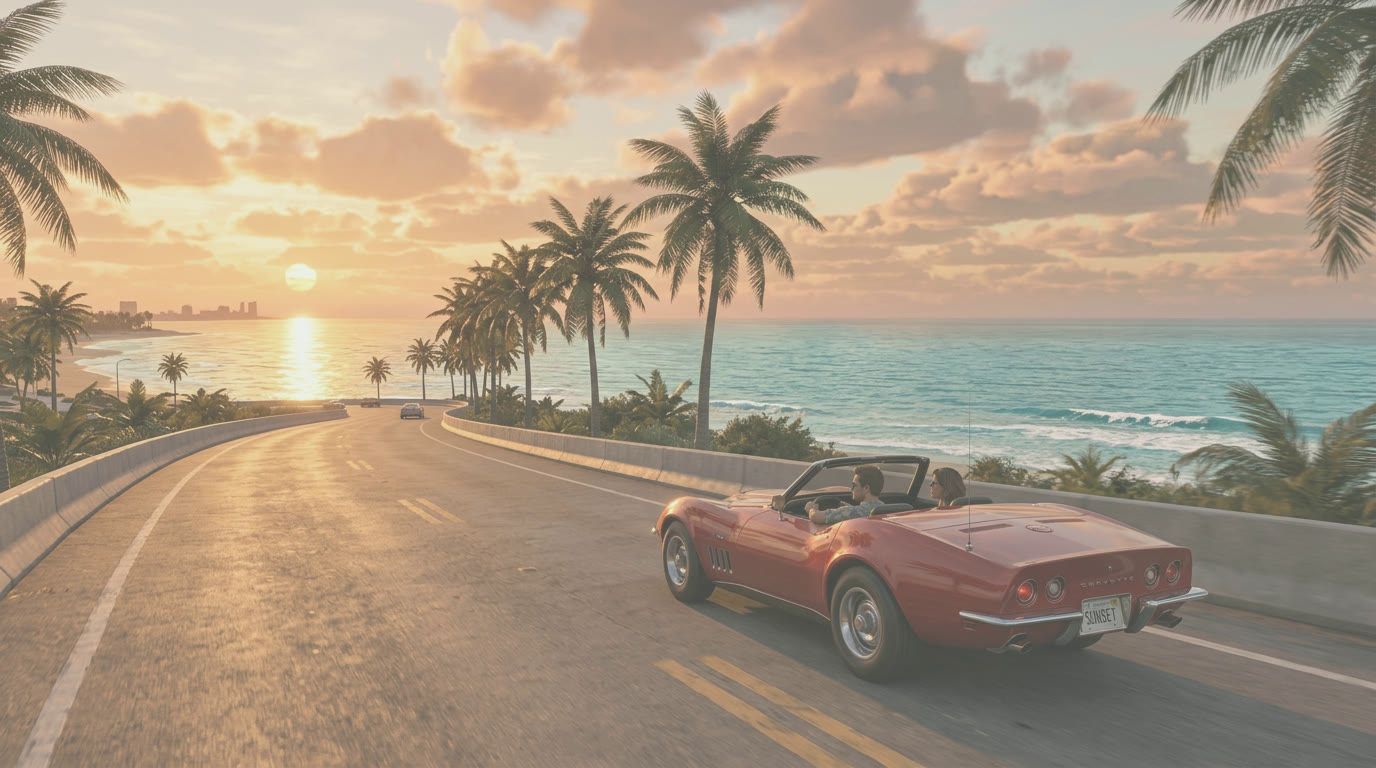
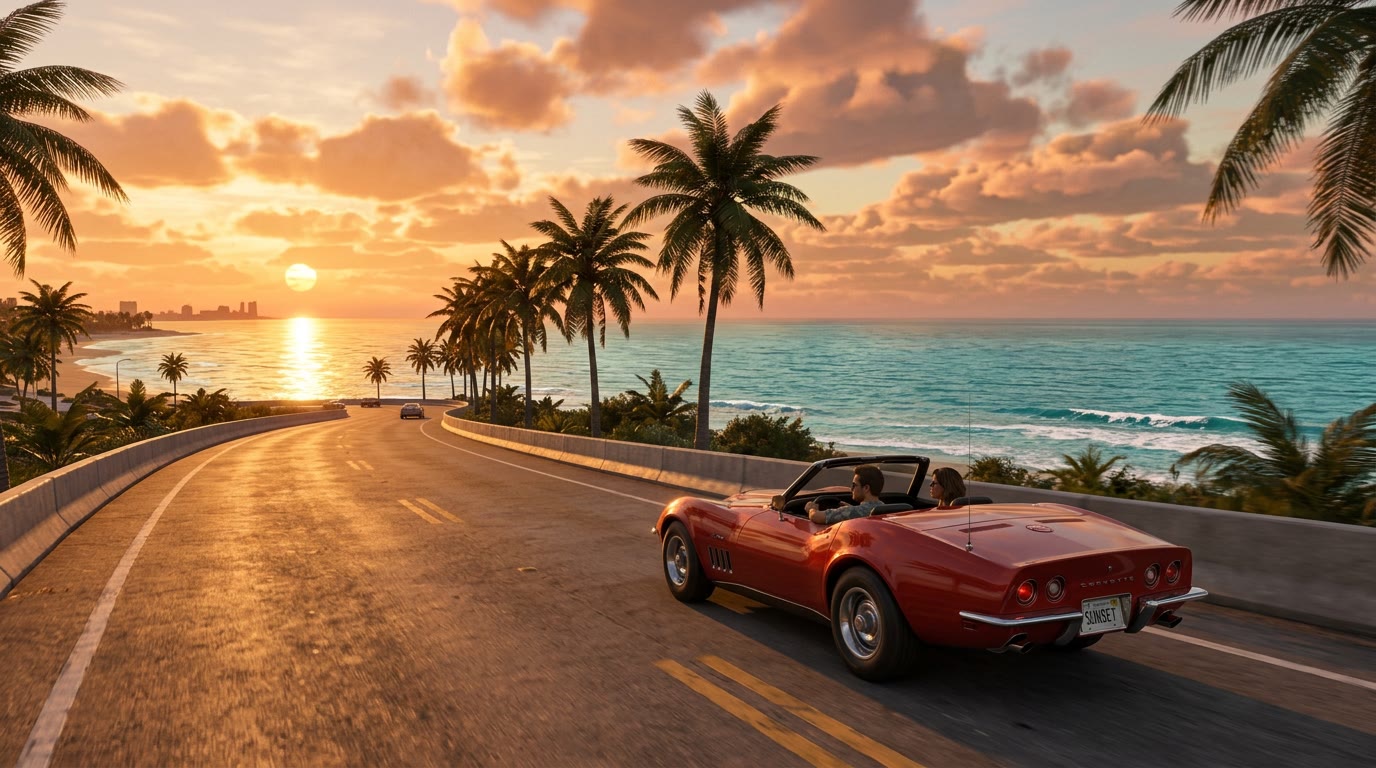
2. Problem 2: Blue-to-Purple Skies, Pool Water & Cyan Neon Shift
One of the most common complaints when recording tropical daytime and twilight gameplay is that bright blue skies, illuminated swimming pools, and cyan Art Deco hotel neon tubes shift toward violet-purple in the recorded file.
This happens because standard SDR tonemappers compress Red, Green, and Blue channels independently. In a bright cyan-blue light source (high Blue + moderate-to-high Green), compressing the green channel's highlight shoulder faster than the blue channel rotates the perceived hue angle clockwise from true sky-blue (220°-240°) into the violet-purple sector (265°-285°).
Targeted Hue vs. Hue Rotation
- Open the Hue vs. Hue curve in DaVinci Resolve, the Vegas Pro Color Grading Panel (
Alt+G), or Premiere Pro Lumetri. - Place control anchor points at
190°(teal) and305°(magenta) to lock surrounding colors. - Pull the
255°-280°blue-violet peak downward by8°-14°toward cyan until skies and pool water read naturally again.
Apply Blue-to-Purple-Fix.cube
Manual RGB curves often accidentally shift magenta neon or warm skin shadows. Blue-to-Purple-Fix.cube (included in CoralDusk Category 2) performs a selective phase rotation in 64-bit float Oklch color space:
- Rotates violet-skewed skies, pool water, and cyan neon back to clean turquoise and sky blue.
- Strips away milky bloom haze while keeping warm sunset golds and skin tones untouched.
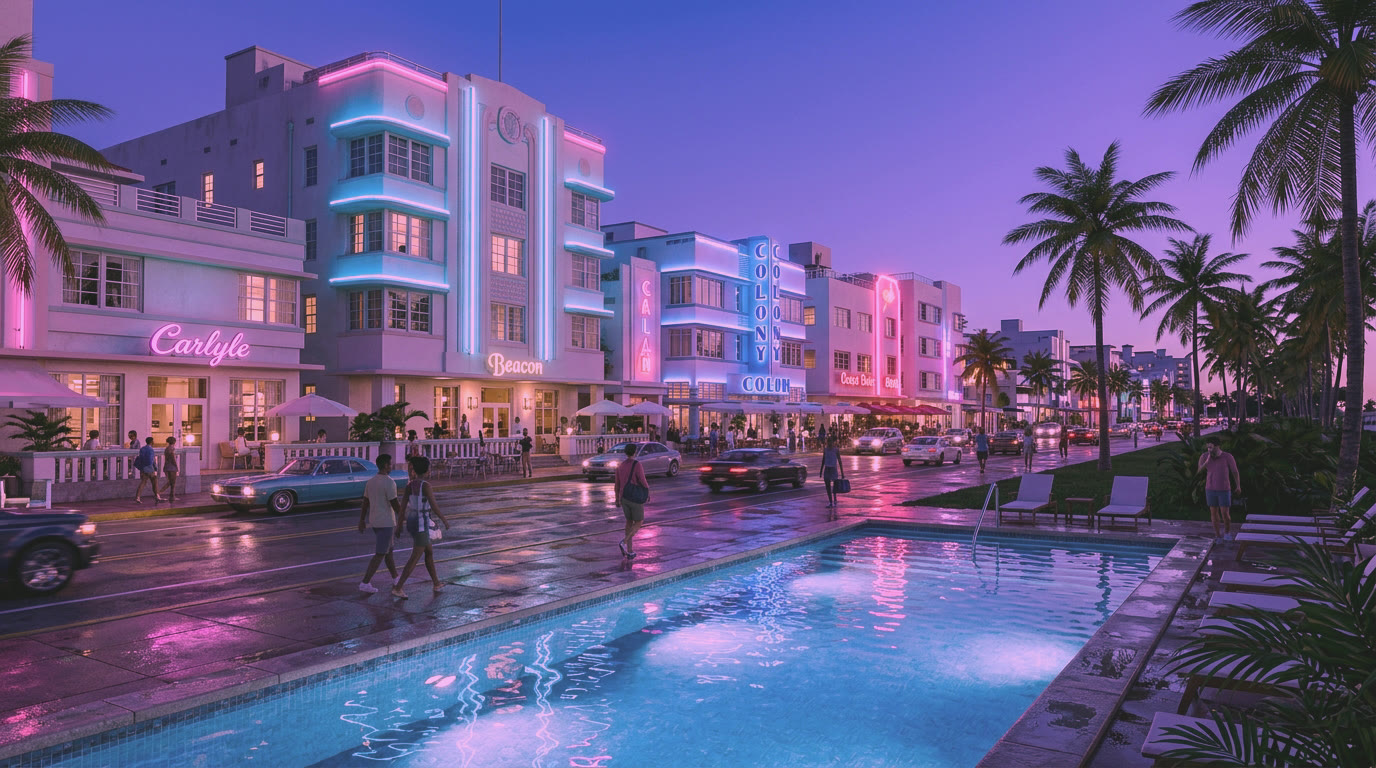
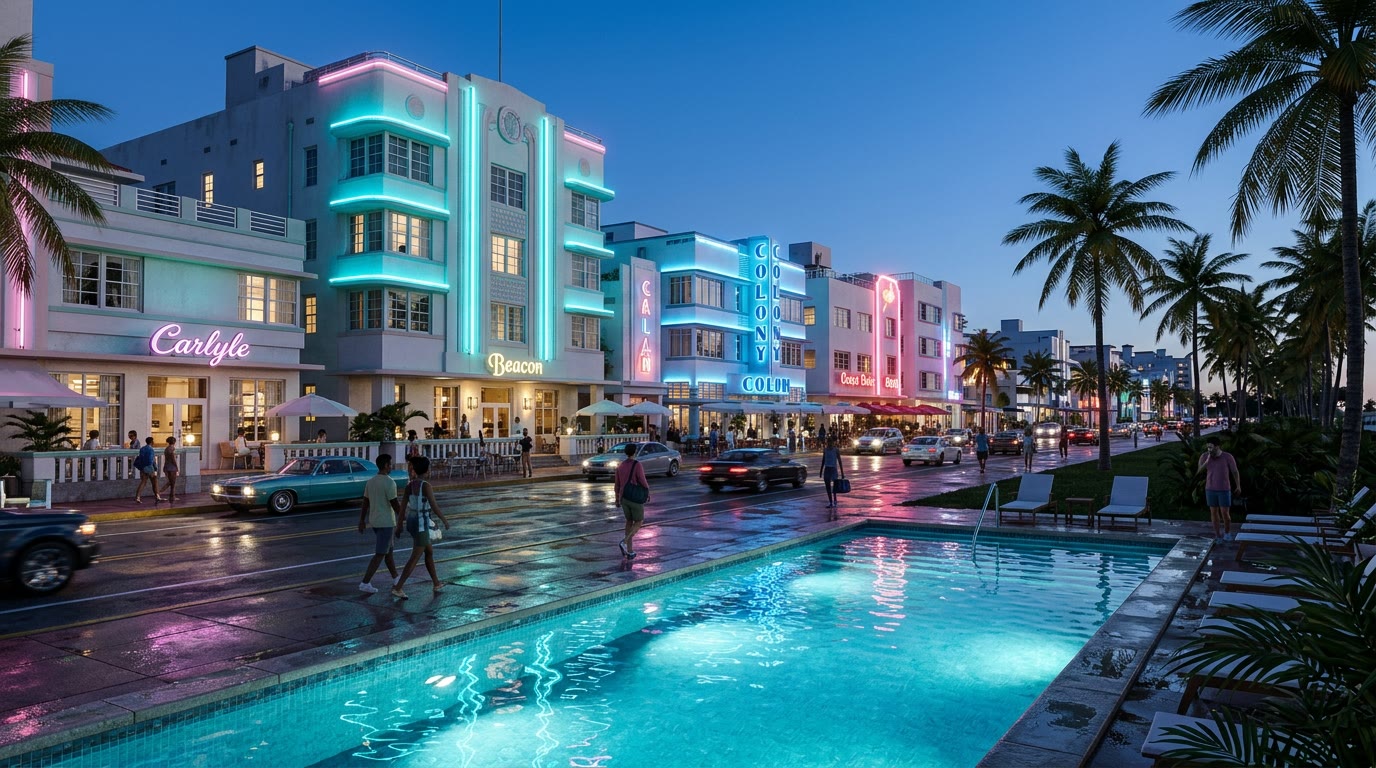
3. Problem 3: Dark Night Macroblocking & Wet Asphalt Mud on YouTube
Nighttime gameplay in GTA VI combines three elements that video encoders struggle with most: large dark shadow areas (5-25 IRE), high-frequency wet asphalt reflections, and moving volumetric fog. When you upload a 1080p night video to YouTube or stream at 6000-8000 kbps on Twitch, the encoder aggressively quantizes dark luma blocks, turning wet streets and dark marshlands into pulsing square macroblocks.
At the same time, ultra-saturated neon signs that hit 100% chroma in a single RGB channel cause mosquito noise and ringing artifacts along the edges of text and streetlights in 4:2:0 subsampled video.
Shadow Toe Lift + VP9 / AV1 Pipeline
- Pin 0 IRE, lift 12-25 IRE: Keep pure black anchored at
0 IREso night skies never look grey, but lift the lower shadow toe between12 IREand25 IREby 4-6% so road texture sits above the encoder's dead zone. - Force YouTube's VP9/AV1 codec: Export your timeline at 3840×2160 (4K) at 50-65 Mbps (even from a 1080p or 1440p capture). See our full Vegas Pro YouTube Export Settings Guide for exact encoder parameters.
Encoder-Safe Night & Stream Profiles
CoralDusk includes four night and atmospheric profiles with a mathematical 0.000000 black lock and soft-knee Rec.709 gamut compression:
Miami-Night-Neon.cubeopens up dark wet-asphalt shadows for YouTube VP9/AV1 uploads without lifting the black floor.Everglades-Mist.cubeseparates dark mangrove foliage from humid golden marsh fog.SugarBelt-Sodium-Steel.cubebalances cold gunmetal highway shadows against amber sodium streetlights.Live-Stream-Optimizer.cubepre-compresses extreme neon peaks for 6000-8000 kbps OBS Studio streams.
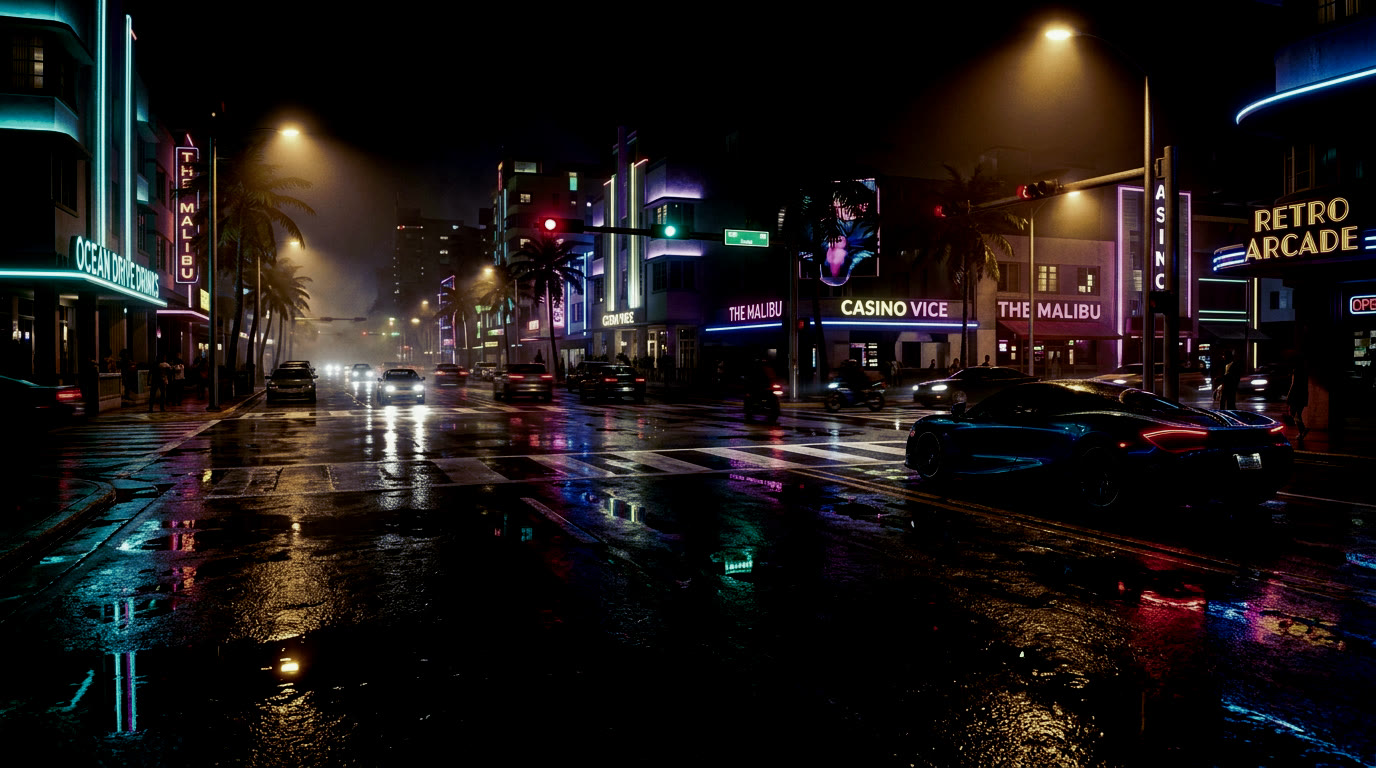
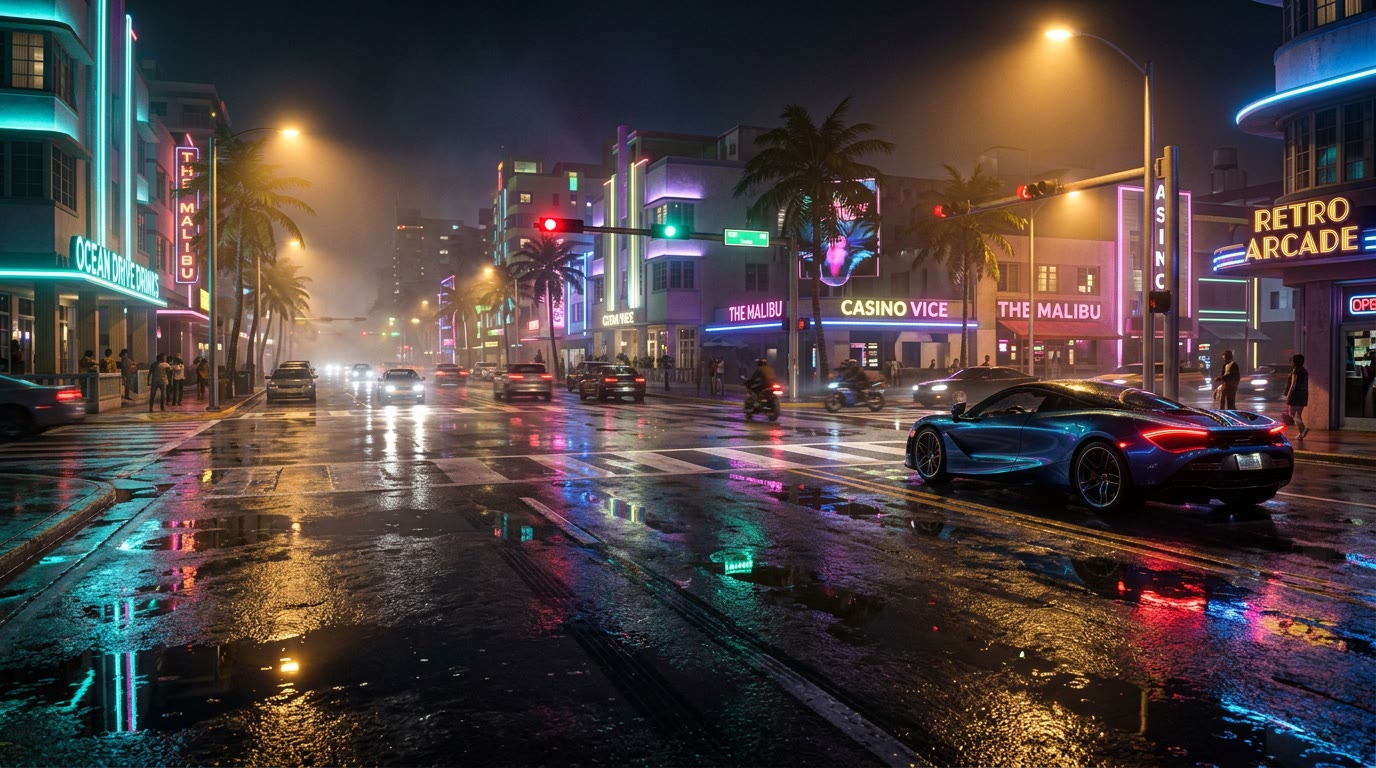
Adding organic texture to beat YouTube compression: Very smooth dark gradients often trigger encoder banding on YouTube. Adding subtle 35mm photochemical grain (such as Kodak Vision3 500T or CineStill 800T) with our Film Grain OFX Plugin or subtle edge lens dispersion with RGBurst OFX introduces fine micro-dithering that keeps dark night skies intact.
4. Problem 4: Magenta Skin Tones & 8-Bit Sky Gradient Banding
If you download a generic "Vice City" or "Cyberpunk" LUT pack and drop it onto gameplay or your streamer facecam, two side effects show up immediately:
- Plastic magenta faces: Pushing global pink and cyan RGB curves shifts the
35°-58°human skin-tone vector toward magenta, making both in-game characters (Lucia and Jason) and your studio webcam look sunburned or purple. - Stair-stepped sky banding: Most marketplace LUTs are created by stacking several NLE color filters on top of each other and exporting a low-precision table. Those sharp internal kinks tear 8-bit sunset gradients into visible bands.
How to Grade Neon Aesthetics Without Ruining Faces or Skies
When grading manually, always isolate the skin-tone line on your Vectorscope with an HSL Qualifier before pushing teal and magenta into the shadows and highlights. When working with 3D LUTs, two technical factors make the difference:
- Oklch Skin-Tone Phase Shield (90-98% protection): Every profile in Category 1 of CoralDusk - including
Ocean-Drive-ArtDeco.cube(available as a free sample download on the product page),Biscayne-Boulevard-Neon.cube(tuned specifically for streamer facecams in rooms with RGB LED lights), andSouth-Beach-Golden-Dusk.cube- protects the perceptual Oklch skin-tone phase zone while split-toning the surrounding environment. - Dual-Grid 33×33×33 & 65×65×65 Architecture + Tetrahedral Interpolation: Use 33-point files (35,937 nodes) inside OBS Studio for zero-latency live streaming, and switch to native 65-point mastering files (274,625 nodes - 7.65× denser sampling) with Tetrahedral interpolation enabled in DaVinci Resolve, Vegas Pro 23, or Premiere Pro for final renders. To see why grid density and interpolation eliminate sky banding, read our guides on 33-Point vs. 65-Point LUTs and Tetrahedral vs. Trilinear Interpolation.
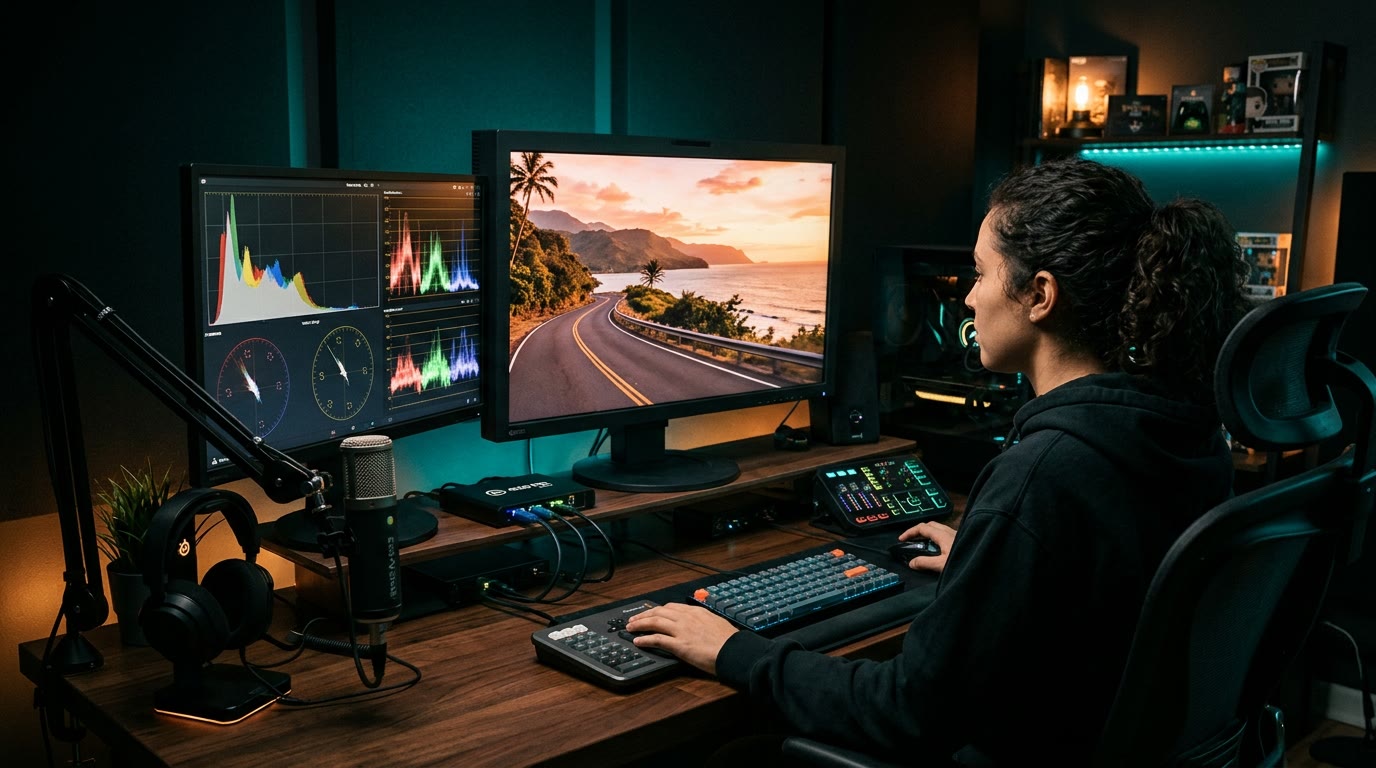
.cube file into our free browser-based LUT Cube Analyzer (see our 60-Second LUT Analysis Tutorial) to verify its 3D lattice smoothness, skin-tone score, and black/white neutrality.
5. Problem 5: Punchy YouTube Thumbnails & Vertical 9:16 Shorts
A subtle, cinematic video grade often looks too understated when shrunk down to a 160×90 px mobile YouTube thumbnail or viewed on a phone screen in bright daylight. However, simply dragging the Saturation slider to +40 in Photoshop clips the red and blue channels, destroying detail in explosions, car paint, and neon titles.
- For YouTube Thumbnails & Key Art (Photoshop / Affinity Photo): Use a look with soft-knee Rec.709 gamut compression that boosts mid-chroma saturation right up to the legal boundary without hard-clipping highlights. Category 3 of CoralDusk includes five dedicated thumbnail profiles:
CoralDusk-HyperPop.cube,Flamingo-KeyArt-Poster.cube,Golden-Hour-Blockbuster.cube,SuperCar-Wet-Reflection.cube(for metallic paint and wet asphalt), andSiren-Chase-Blue-Alert.cube(for dark night police chases). - Export Thumbnails Without Chroma Blur: Standard 4:2:0 JPEG compression smears sharp red and cyan neon edges. Run your finished thumbnail through our free Web Image Optimizer (4:4:4) to keep crisp chroma edges under YouTube's 2 MB limit.
- For Vertical 9:16 Shorts, Reels & TikTok: Mobile apps apply heavy re-compression that muddies dark shadows. Apply
Social-Feed.cube(Category 1) to hold clean white balance and punchy midtone separation on smartphone OLED displays.
6. Quick-Reference Capture & Color Grading Cheat Sheet
| Workflow Stage | Recommended Capture / NLE Settings | Recommended CoralDusk 3D LUT |
|---|---|---|
| Console / PC HDR Capture (Elgato / OBS) | Rec.709 output, matched Partial (16-235) or Full (0-255) HDMI range, NV12 or P010 format | HDR10-to-SDR-Recover.cube or Cinema-Reveal-Master.cube |
| Purple Sky, Pool & Cyan Neon Fix | Hue vs. Hue rotation (-8° to -14° at 265°-280°) with Tetrahedral interpolation | Blue-to-Purple-Fix.cube (65-point in NLE / 33-point in OBS) |
| YouTube 4K Night & Rain Uploads | 0 IRE black lock, +5% lift at 12-25 IRE, export 3840×2160 at 50-65 Mbps (H.265/AVC) | Miami-Night-Neon.cube, Everglades-Mist.cube, or SugarBelt-Sodium-Steel.cube |
| Twitch / YouTube Live Streaming (OBS) | OBS Video Source → Filters → Apply LUT (80-100%), 6000-8000 kbps CBR | Live-Stream-Optimizer.cube (gameplay) + Biscayne-Boulevard-Neon.cube (facecam) |
| Daytime Coastal & Creator Facecam | Vectorscope skin-tone line protection (35°-58°), D65 white balance lock | Ocean-Drive-ArtDeco.cube (Free Sample), Florida-Keys-Tropics.cube, or South-Beach-Golden-Dusk.cube |
| YouTube Thumbnails & 9:16 Shorts | Photoshop Color Lookup (16-bit) + 4:4:4 JPEG/WebP compression | CoralDusk-HyperPop.cube, SuperCar-Wet-Reflection.cube, or Social-Feed.cube |
Test a Free CoralDusk 3D LUT on Your Gameplay Today
Download the free full-resolution 33×33×33 Ocean-Drive-ArtDeco.cube sample LUT on the product page, or get the complete 20-LUT pack (40 .cube files across both CoralDusk-33x33x33-Universal and CoralDusk-65x65x65-Mastering folders) for DaVinci Resolve, Vegas Pro, Premiere Pro, Final Cut Pro, Photoshop, and OBS Studio.
7. Frequently Asked Questions
When a console outputs HDR10 (Rec.2020 PQ) and a capture card or OBS Studio converts it to 8-bit SDR (Rec.709), the hardware tonemapper compresses highlights and lifts the lower shadows into a flat grey haze. Matching your HDMI RGB range and applying an HDR-to-SDR recovery curve or HDR10-to-SDR-Recover.cube from the CoralDusk pack restores the original contrast.
Standard per-channel RGB highlight compression clips the red and green channels at different rates than blue in high-luminance cyan and sky-blue tones, skewing hues toward 265-285 degrees (violet-purple). A targeted Hue vs. Hue rotation or Blue-to-Purple-Fix.cube in Oklch color space corrects this shift without altering warm skin tones.
YouTube's encoder allocates fewer bits to dark 5-25 IRE shadow blocks. Lift your shadow toe slightly above the compression threshold while keeping pure black locked at 0 IRE (such as with Miami-Night-Neon.cube), and export your video at 3840×2160 (4K) at 50-65 Mbps to trigger YouTube's higher-quality VP9/AV1 pipeline.
Use the CoralDusk-33x33x33-Universal folder for real-time OBS Studio streaming and capture monitoring. Use the CoralDusk-65x65x65-Mastering folder (which contains 274,625 nodes per file - 7.65× denser than 33-point) inside DaVinci Resolve, Vegas Pro 23, or Premiere Pro for final 10-bit or 4K VOD exports to eliminate sky gradient banding.